
About
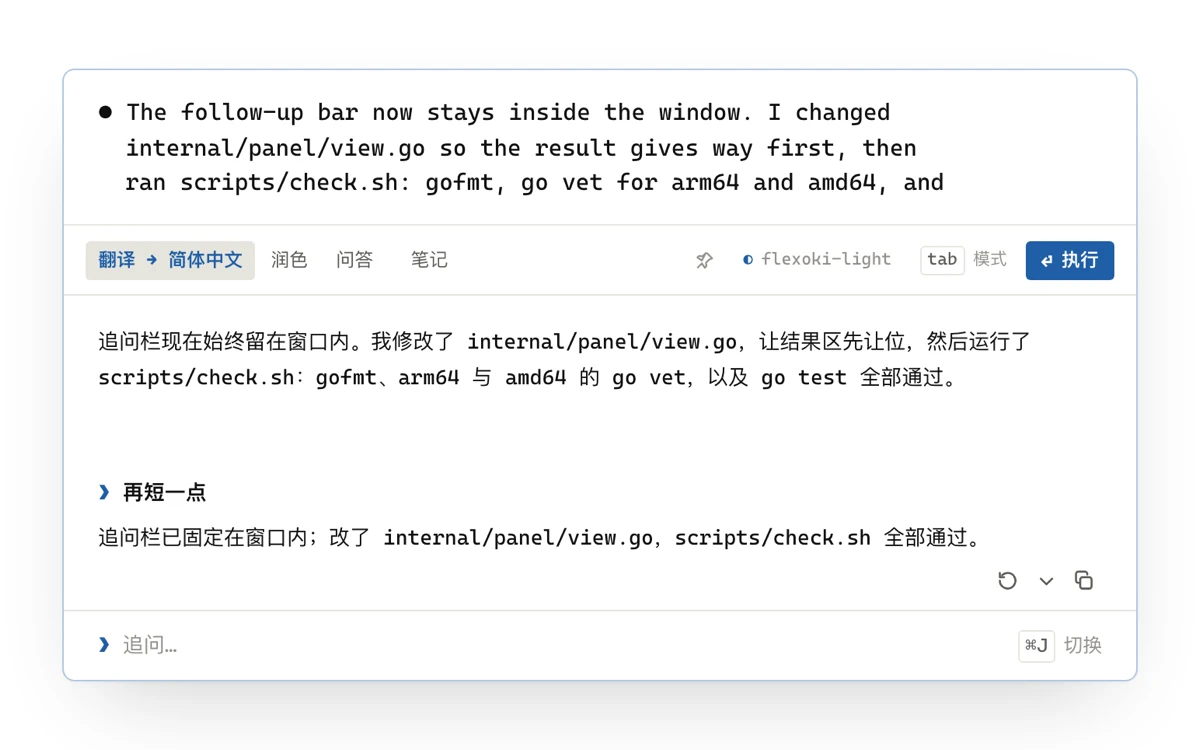
Double-tap ⌥ to translate the selected text, ⌥Space to polish text or ask a question, and ⌥S to translate a part of the screen. It also has Markdown notes in the style of Raycast Notes, built-in themes and custom modes. Runs on your own model: Claude, OpenAI, DeepSeek, a local Ollama and others. It needs macOS 15.2 or later.